
Site Spy
Track website changes automatically
Monitor any webpage for content updates. Get notified the moment something changes. See exactly what was added or removed with visual diffs.
 Chrome
 Firefox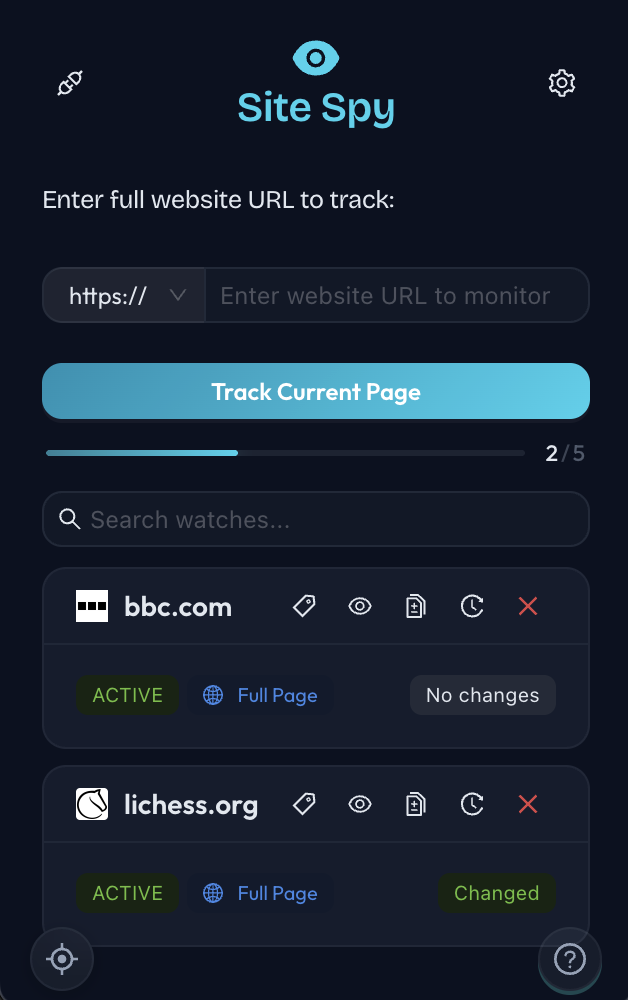
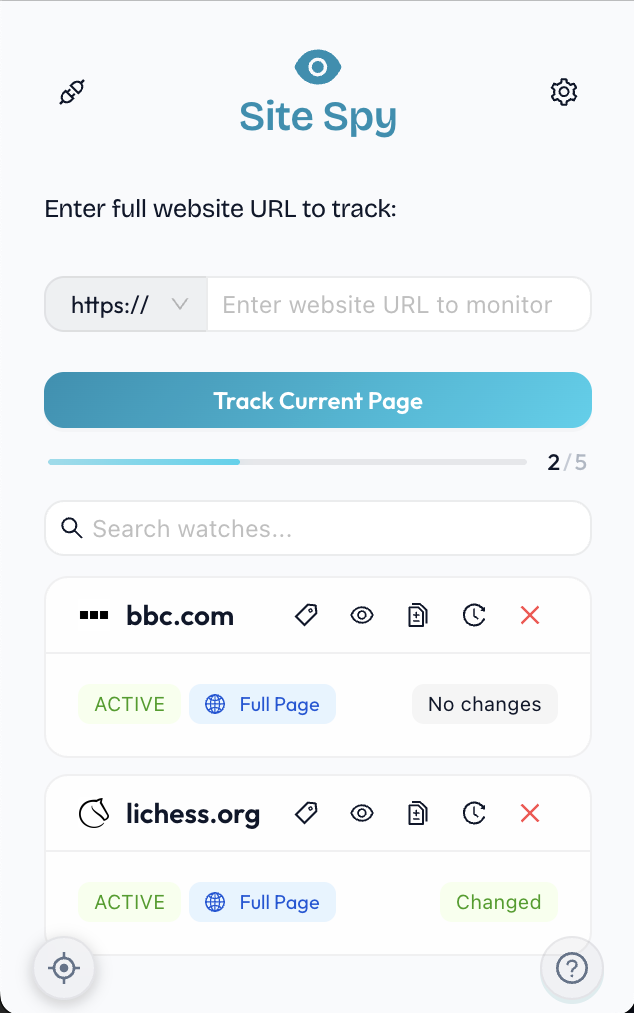 Watch List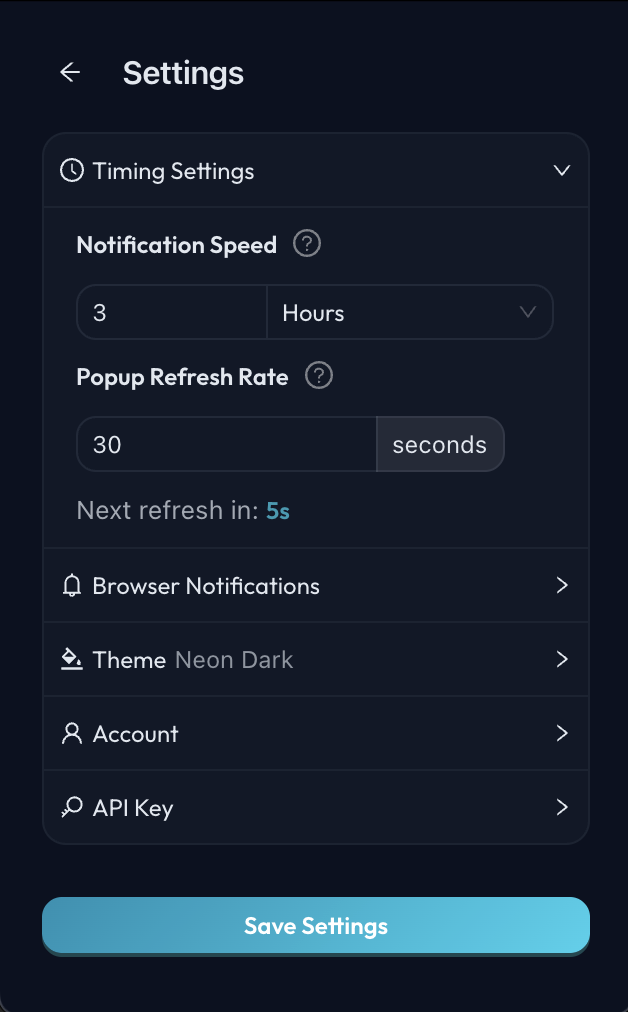
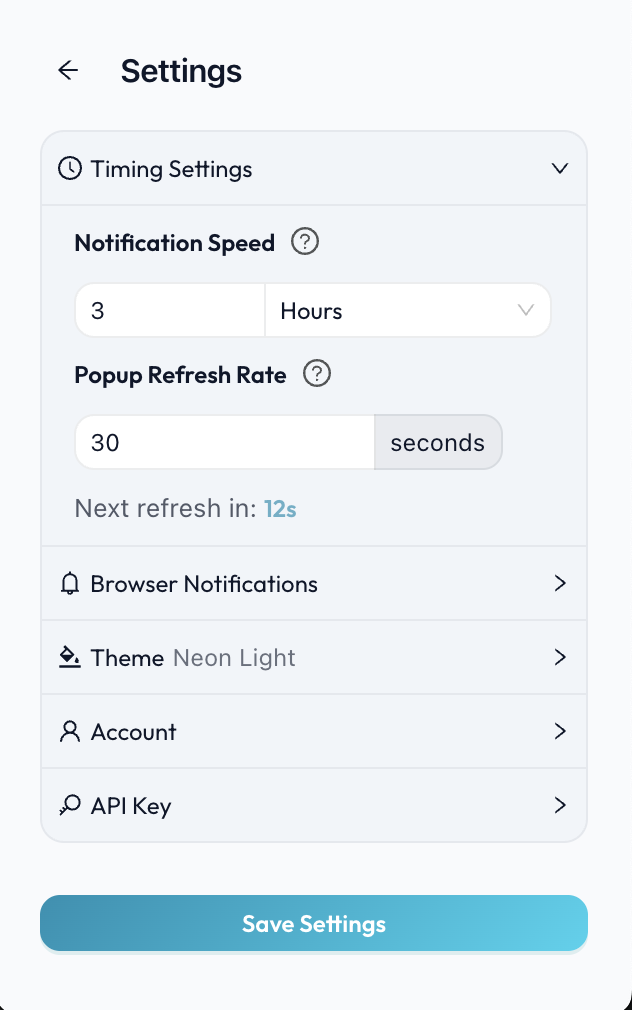 Settings
See website changes at a glance
Visual diff highlighting shows exactly what content was added, changed, or removed
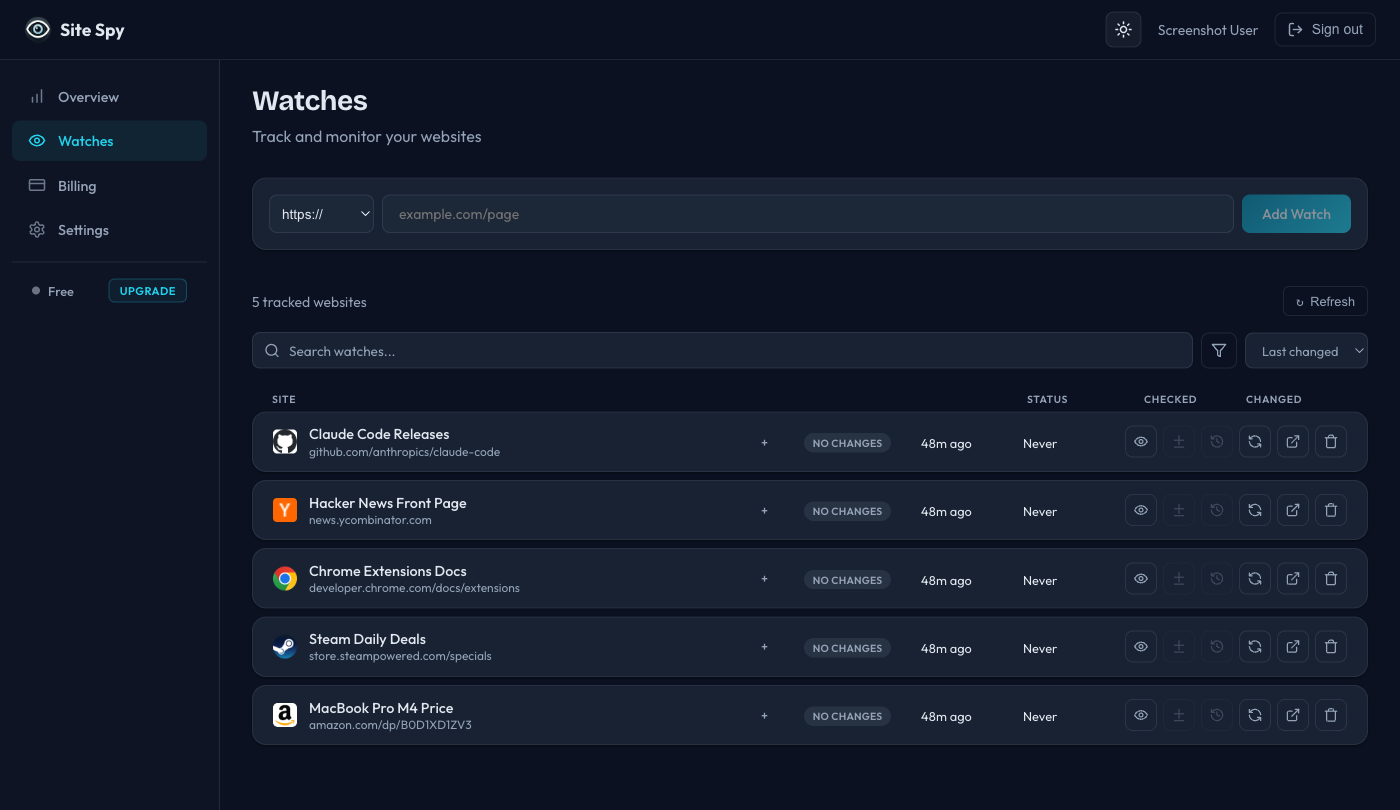
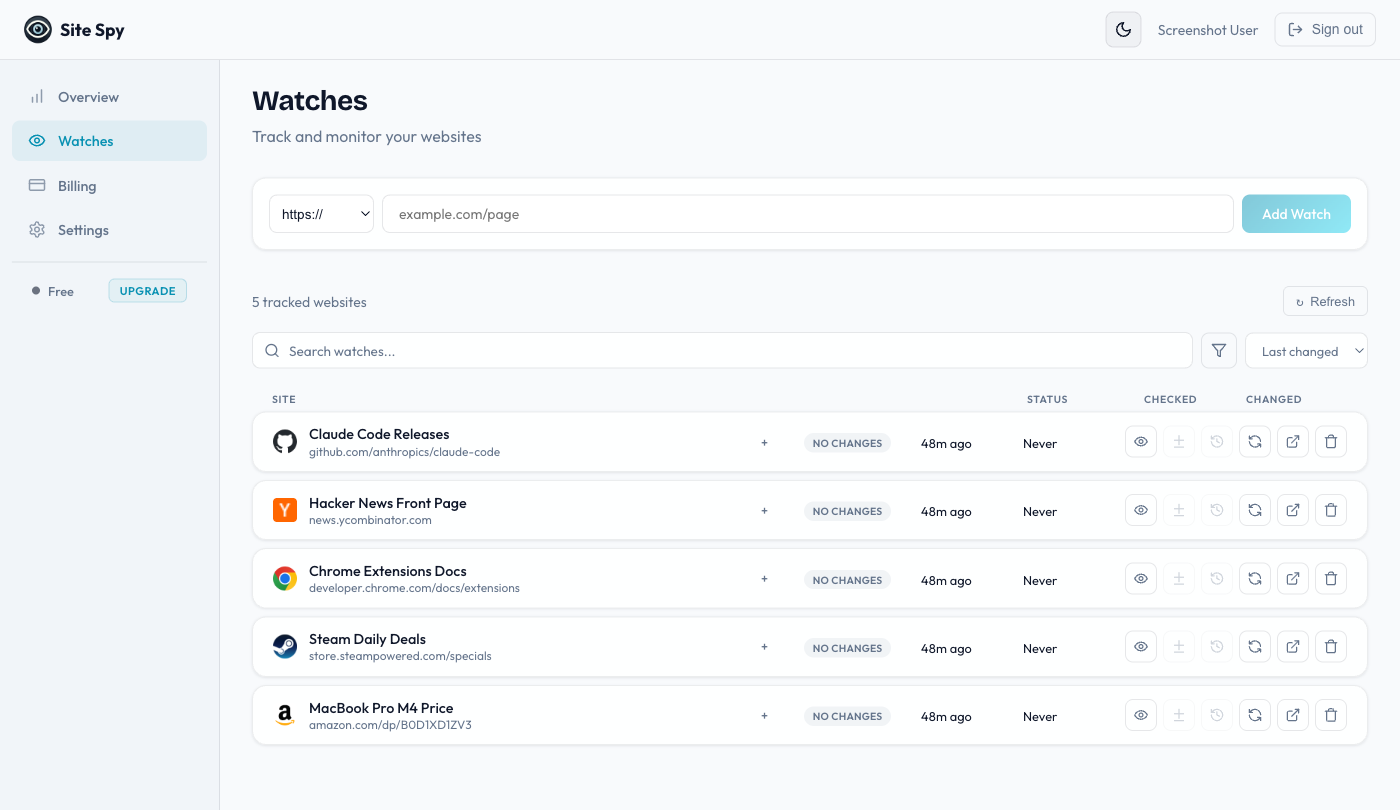
Your monitoring dashboard
Manage all your tracked websites from a powerful web dashboard — works on any device
Everything you need to monitor website changes
Powerful website tracking features, zero configuration
One-click website tracking
Add any page to your watchlist instantly from your browser toolbar or right-click menu
Element inspector
Pick specific elements on a page to track instead of monitoring the entire site — perfect for prices, stock status, or headlines
Visual diff view
Compare live content with previous snapshots — additions in green, removals in red, just like a code diff
Snapshot timeline
Browse every captured version with timestamps and compare any two snapshots side by side
Color-coded tags
Organize tracked websites with Finder-style color labels, filter and search instantly
Change notifications
Browser alerts, badge counts, email reports, and Telegram messages the moment a tracked page changes
Flexible check intervals
Set monitoring frequency from every few minutes to weekly — you control when Site Spy checks for updates
Cross-device sync
Sign in once and access all your tracked websites from any browser or device
Works with your AI assistant
Connect Site Spy to Claude, Cursor, or any MCP-compatible AI agent
What can AI agents do?
- Monitor websites and track changes automatically
- Get notified in natural language when content updates
- Compare snapshots and summarize what changed
- Manage all watches without leaving your AI chat
{
  "mcpServers": {
    "site-spy": {
      "command": "npx",
      "args": ["-y", "@site-spy/mcp-server"],
      "env": {
        "SITE_SPY_API_KEY": "your-key"
      }
    }
  }
}
How Site Spy works
Start monitoring website changes in under 30 seconds
Create a free account
Sign up at sitespy.app — no credit card needed
Add a website
Paste any URL or use the browser extension to add pages instantly
Get notified
Site Spy checks for changes and alerts you when something updates
Simple, transparent pricing
Start free. Upgrade when you need more watches.
- ✓5 watched URLs
- ✓1 hour minimum recheck
- ✓5 snapshots per watch
- ✓30 days snapshot history
- ✓Full-page & element tracking
- ✓Visual diff history
- ✓Browser extension
- ✓Web dashboard
- ✓25 watched URLs
- ✓10 min minimum recheck
- ✓25 snapshots per watch
- ✓90 days snapshot history
- ✓Full-page & element tracking
- ✓Visual diff history
- ✓Browser extension
- ✓Web dashboard
- ✓Email notifications
- ✓100 watched URLs
- ✓1 min minimum recheck
- ✓100 snapshots per watch
- ✓1 year snapshot history
- ✓Full-page & element tracking
- ✓Visual diff history
- ✓Browser extension
- ✓Web dashboard
- ✓Email notifications
- ✓Priority support
Payments processed by Lemon Squeezy. Cancel anytime. All prices in USD.
Frequently asked questions
Everything you need to know about Site Spy
What is Site Spy?
Site Spy is a website monitoring tool that tracks pages for changes automatically. It checks on a schedule you set, detects content updates, and notifies you instantly. Use the web dashboard on any device, or add the browser extension for one-click tracking in Chrome and Firefox.
How does website change detection work?
Site Spy takes snapshots of the pages you track at your chosen interval (from minutes to weeks). When new content is detected, it highlights exactly what changed using a visual diff view — additions appear in green and removals in red. You can browse the full snapshot timeline to compare any two versions.
Is Site Spy free to use?
Yes, Site Spy has a free plan that lets you track up to 5 websites with checks every hour. For more watches, faster check intervals (down to 1 minute), email notifications, and Telegram alerts, you can upgrade to Starter ($9/mo) or Pro ($25/mo).
How can I access Site Spy?
The web dashboard works in any browser, including mobile. For desktop, you can also install the browser extension for Chrome or Firefox. Your watches sync across all devices when you sign in.
Can I track specific parts of a page instead of the whole page?
Yes. Site Spy includes an element inspector that lets you click on any element on a webpage to monitor just that section. This is useful for tracking price changes, stock availability, news headlines, or any specific content block.
Does Site Spy work with AI assistants?
Yes. Site Spy provides an MCP (Model Context Protocol) server that integrates with Claude, Cursor, and other MCP-compatible AI agents. Your AI assistant can monitor websites, compare snapshots, and summarize changes directly in your chat.
Coming soon
We're constantly improving Site Spy
Ready to track website changes?
Join thousands of users who never miss important website updates